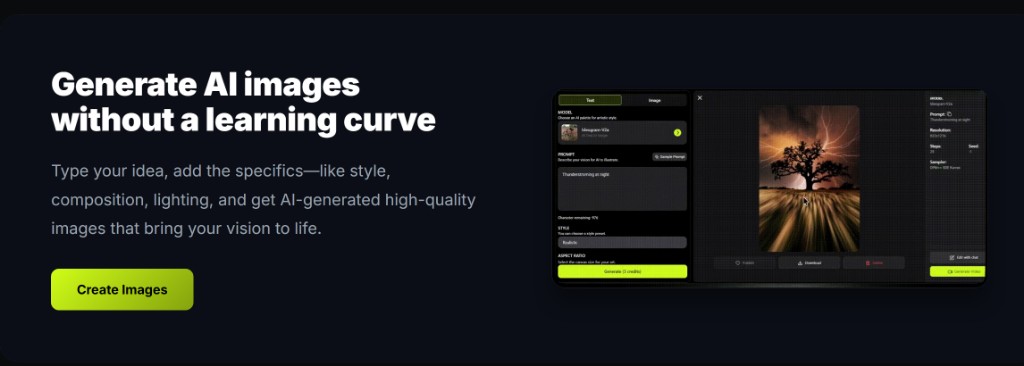
Mode deep links on the deep-imager AI image generator skip the wrong tab — you land in text to image, image to image, or Watermark Remove from the URL.
?mode= sets the tab. Prompt and credits are still yours to set.
Which mode URL values does the workspace read?
txt2img, img2img, and watermark_remove (full-frame cleanup uses the same watermark tab when no mask is painted).
Open /?mode=txt2img, /?mode=img2img, or /?mode=watermark_remove. The active mode tab matches the query.
Model pages and Make Same flows already use these links so you do not start in the wrong lane. The rest of the AI image generator — style, ratio, Generate cost — loads as usual.
When should you bookmark text to image?
When your default job is a blank-canvas still with no upload.
A text to image bookmark opens the prompt box ready. Lock ratio and model, then generate. For layout-heavy posters, pick GPT-4o image after the tab is set.
Do not put a long brief in the URL. Type it in the workspace so you can edit without reloading.
When should you deep-link image to image or Watermark Remove?
When the session always starts from a file — remixes, pack shots, or overlay cleanup.
Image to image still needs one source under 5 MB. Watermark Remove still locks to Nano Banana. The URL only selects the tab; it does not attach a file.
See workspace modes for the full chrome, and Watermark Remove for mask vs full-frame.
Do mode links spend credits by themselves?
No — opening a mode URL is free. Credits leave only when Generate succeeds or holds a run.
New accounts have 5 free credits. Pricing from $1/month: Basic 10 credits, Advanced $9.99 for 120, Professional $19.99 for 300. Failed jobs that the product marks failed return the credit.
Typical still time is 30 seconds–2 minutes. Read how credits work for live rates on the button.
| URL | Opens | You still must |
|---|---|---|
| /?mode=txt2img | Text to image | Write a prompt |
| /?mode=img2img | Image to image | Upload one file |
| /?mode=watermark_remove | Watermark Remove | Upload + Nano Banana |