A thumbnail is a 16:9 still with one idea. The deep-imager AI image generator should compose for that, not for a poster you crop.
Ratio, face or object, then one color pop.
What is the first setting for a YouTube thumb?
16:9 in the AI image generator before any text to image prompt.
A 1:1 crop will slice faces on the left-right thirds.
When a still is close, prefer image to image to keep composition while you change lighting, background, or crop intent. Regenerating from a blank text to image prompt usually costs more exploratory credits.
Record what worked: model name, ratio, and the exact prompt line that survived review. That notebook becomes your reusable playbook across ecommerce, social, and concept batches.
On deep-imager, treat the AI image generator as a credit-aware studio: lock aspect ratio, pick the model, then write the prompt so text to image spends once on a usable frame.
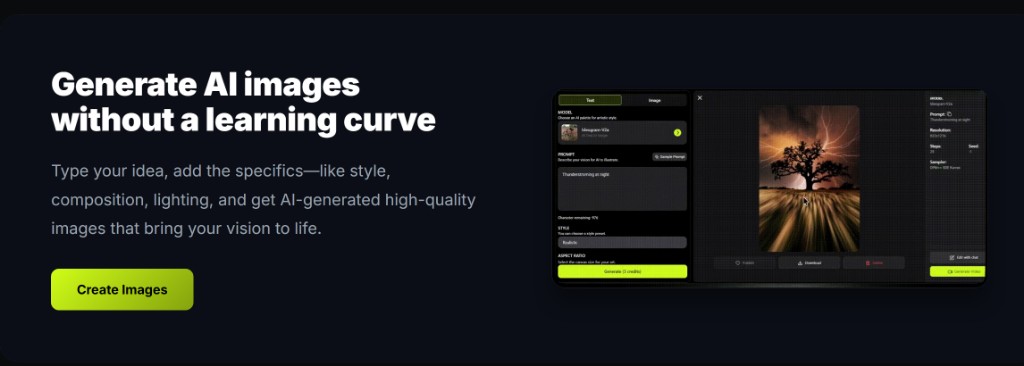
Should the first credit be Nano Banana or GPT-4o image?
Nano Banana for volume; GPT-4o image if the thumb includes large title type.
Midjourney-style if the channel look is cinematic stills.
When a still is close, prefer image to image to keep composition while you change lighting, background, or crop intent. Regenerating from a blank text to image prompt usually costs more exploratory credits.
Record what worked: model name, ratio, and the exact prompt line that survived review. That notebook becomes your reusable playbook across ecommerce, social, and concept batches.
On deep-imager, treat the AI image generator as a credit-aware studio: lock aspect ratio, pick the model, then write the prompt so text to image spends once on a usable frame.
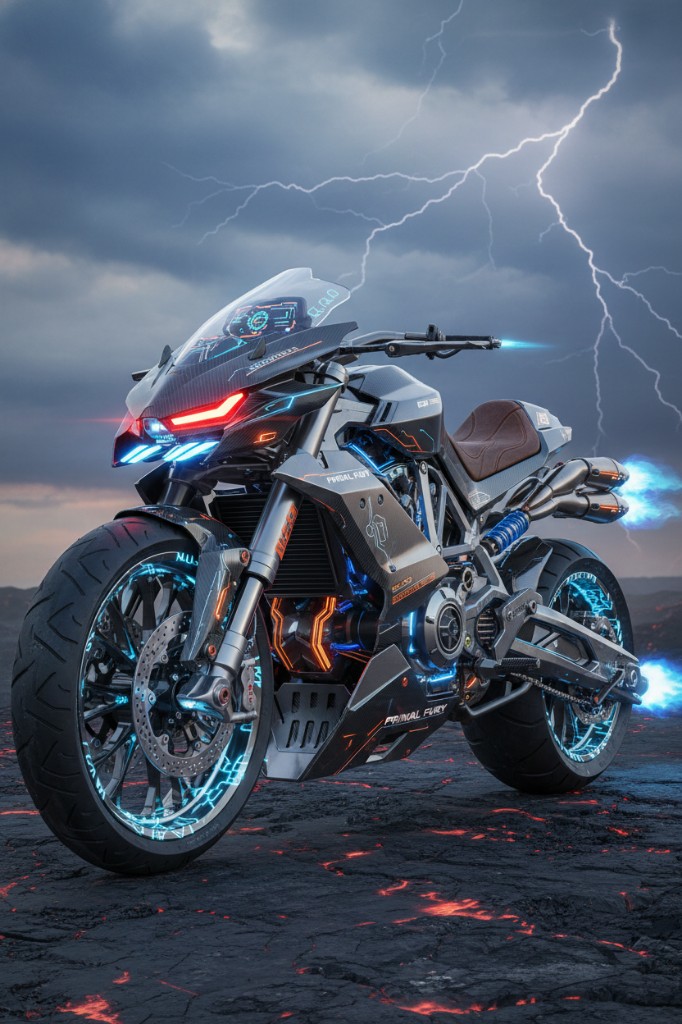
How do you iterate expression without a new scene?
Image to image: same composition, “wider eyes, reder jacket, keep 16:9.”
That spends a second credit instead of gambling a new text to image.
When a still is close, prefer image to image to keep composition while you change lighting, background, or crop intent. Regenerating from a blank text to image prompt usually costs more exploratory credits.
Record what worked: model name, ratio, and the exact prompt line that survived review. That notebook becomes your reusable playbook across ecommerce, social, and concept batches.
On deep-imager, treat the AI image generator as a credit-aware studio: lock aspect ratio, pick the model, then write the prompt so text to image spends once on a usable frame.
How many thumbs can 10 credits cover?
About five A/B pairs, or ten first drafts. Basic is $1/month for those 10 credits.
5 free credits are a single video test. Stills often return in 30 seconds–2 minutes.
When a still is close, prefer image to image to keep composition while you change lighting, background, or crop intent. Regenerating from a blank text to image prompt usually costs more exploratory credits.
Record what worked: model name, ratio, and the exact prompt line that survived review. That notebook becomes your reusable playbook across ecommerce, social, and concept batches.
On deep-imager, treat the AI image generator as a credit-aware studio: lock aspect ratio, pick the model, then write the prompt so text to image spends once on a usable frame.
How do you keep quality high without wasting credits?
Lock ratio first, run one strong text to image pass, then refine with image to image instead of endless fresh prompts.
Before you click Generate, confirm the credit cost on the button and the aspect ratio for the channel you will actually publish to.
If the model returns a safety or policy error, rewrite the prompt without protected names or sensitive requests rather than retrying the same blocked wording.
For team handoff, save the winner still and the prompt in your dashboard history so the next editor can Make Same or continue with image to image.
On deep-imager, treat the AI image generator as a credit-aware studio: lock aspect ratio, pick the model, then write the prompt so text to image spends once on a usable frame.
Start in text to image or image to image, pick a model such as GPT-4o image, then check pricing from $1/month and how credits work before a long run.