Style presets on the deep-imager AI image generator steer look without forcing you to rewrite the whole prompt.
Pick one preset. Keep the subject. Generate once — then decide.
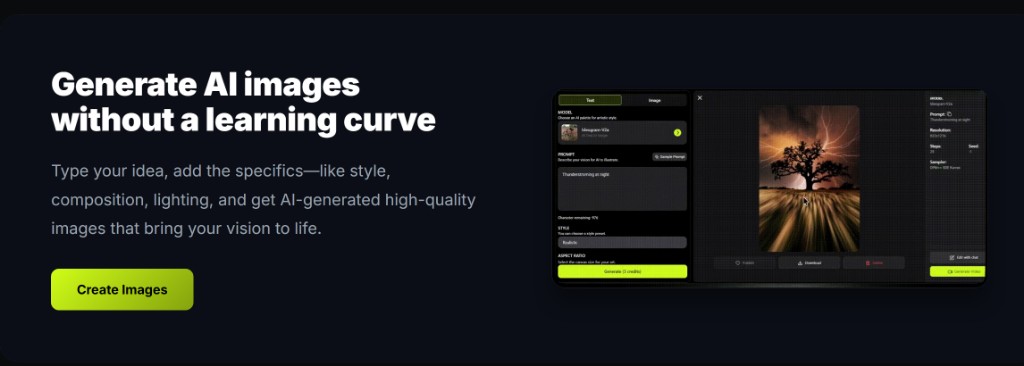
Where is the Style control in the workspace?
It sits in the options row next to Model and Aspect Ratio on the AI image generator form.
Open the workspace and look for Style. Options include Default, Realistic, Anime, Oil Painting, Watercolor, Sketch, Cyberpunk, Minimalist, Vintage, and Fantasy when the selected model supports styles.
If the control is hidden, that model does not expose a style list — switch models or put the look words in the prompt instead.
Record what worked: model name, ratio, and the exact prompt line that survived review. That notebook becomes your reusable playbook across ecommerce, social, and concept batches.
On deep-imager, treat the AI image generator as a credit-aware studio: lock aspect ratio, pick the model, then write the prompt so text to image spends once on a usable frame.
How should you use Style with text to image?
Write the subject and frame first, then pick one Style — do not stack five look adjectives on top of a preset.
A clean text to image brief names who or what and the ratio. Style then biases medium and mood. Saying “watercolor” in both the dropdown and a long prompt often fights itself.
Lock aspect ratio before you hunt styles. Social crops are covered on the social media use case. For a Midjourney-like mood path, see Midjourney-style on deep-imager.
Record what worked: model name, ratio, and the exact prompt line that survived review. That notebook becomes your reusable playbook across ecommerce, social, and concept batches.
On deep-imager, treat the AI image generator as a credit-aware studio: lock aspect ratio, pick the model, then write the prompt so text to image spends once on a usable frame.
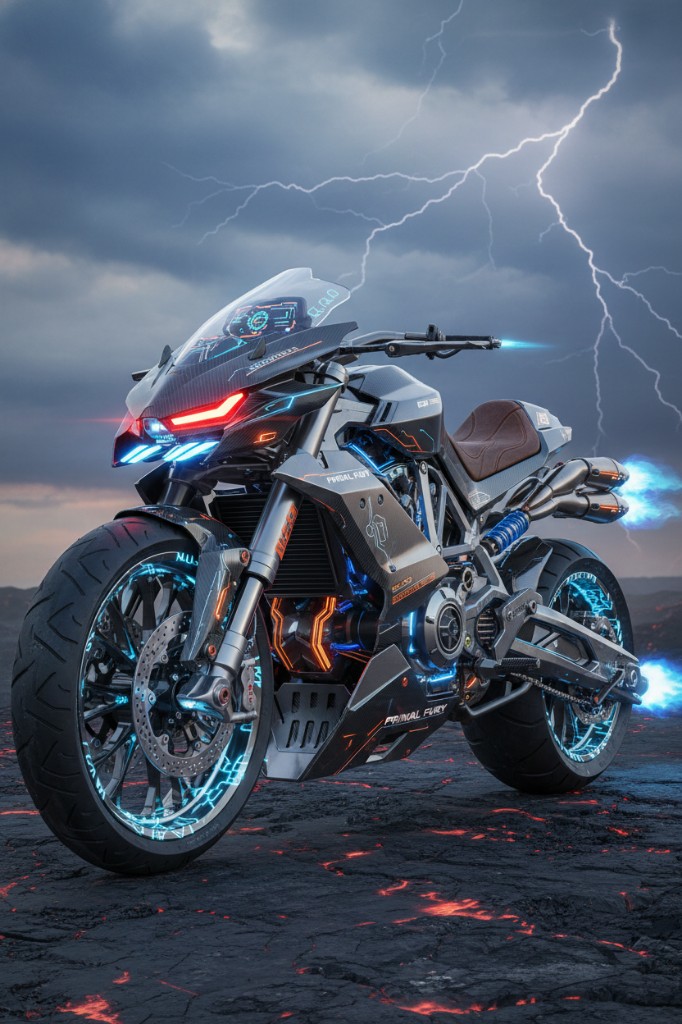
- Start at Default or Realistic for product and listing stills.
- Use Anime, Fantasy, or Cyberpunk when the brief is illustration-led.
- Change only Style between two runs so you can tell what moved.
When should Style give way to image to image?
When composition is already right and you only need a look shift, upload that still and describe the style change in image to image.
Image to image keeps layout from the source. Flipping Style on a brand-new text to image can redraw the subject. Prefer remix when the pack shot or thumbnail framing must stay.
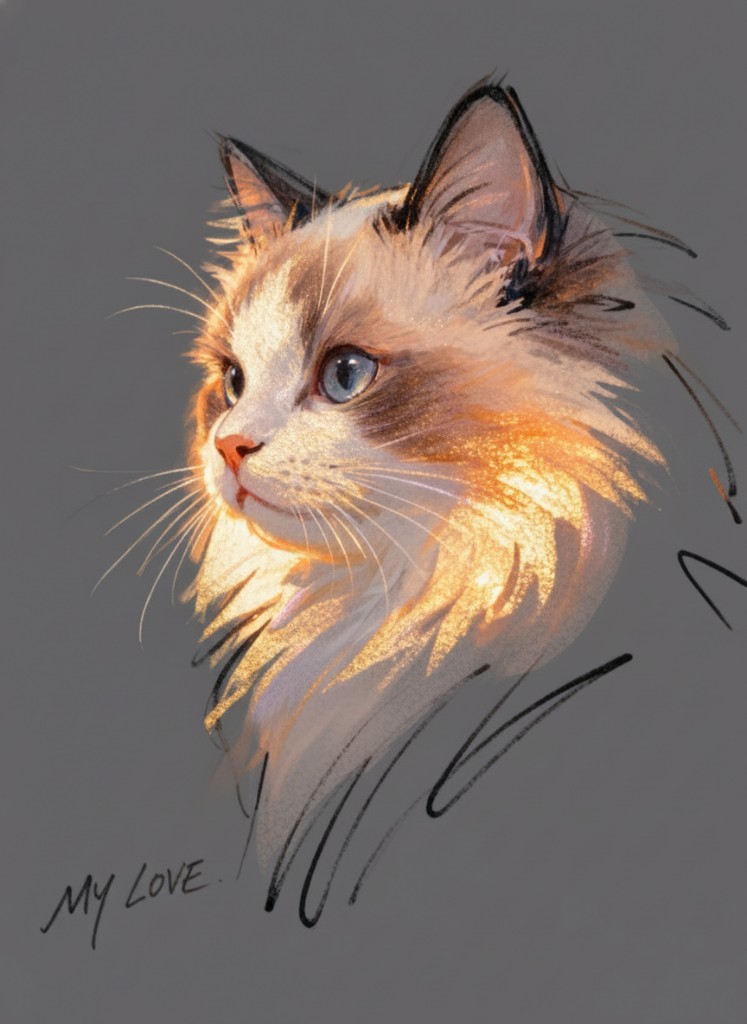
Named showcase looks such as DreamySoft or CyberMinimal in older posts are examples of finished stills — the live control is still the Style select plus your prompt.
Record what worked: model name, ratio, and the exact prompt line that survived review. That notebook becomes your reusable playbook across ecommerce, social, and concept batches.
On deep-imager, treat the AI image generator as a credit-aware studio: lock aspect ratio, pick the model, then write the prompt so text to image spends once on a usable frame.
Does changing Style spend extra credits?
No — Style is free to pick; each generate still spends the model’s credit cost shown on the Generate button.
New accounts have 5 free credits. Plans are on pricing from $1/month (Basic 10 credits, Advanced $9.99 for 120, Professional $19.99 for 300). Failed jobs that the product marks failed return the credit.
Typical still time is 30 seconds–2 minutes. Read how credits work before a style A/B loop, and keep quantity at 1 until one look wins.
Record what worked: model name, ratio, and the exact prompt line that survived review. That notebook becomes your reusable playbook across ecommerce, social, and concept batches.
On deep-imager, treat the AI image generator as a credit-aware studio: lock aspect ratio, pick the model, then write the prompt so text to image spends once on a usable frame.
| Goal | Control | Mode |
|---|---|---|
| New scene + look | Style + prompt | Text to image |
| Same layout, new look | Upload + short style note | Image to image |
| Channel crop only | Aspect ratio | Either mode |
How do you keep quality high without wasting credits?
Lock ratio first, run one strong text to image pass, then refine with image to image instead of endless fresh prompts.
Before you click Generate, confirm the credit cost on the button and the aspect ratio for the channel you will actually publish to.
If the model returns a safety or policy error, rewrite the prompt without protected names or sensitive requests rather than retrying the same blocked wording.
For team handoff, save the winner still and the prompt in your dashboard history so the next editor can Make Same or continue with image to image.
On deep-imager, treat the AI image generator as a credit-aware studio: lock aspect ratio, pick the model, then write the prompt so text to image spends once on a usable frame.