Paid plans on the deep-imager AI image generator buy credit packs — pick the tier that matches how often you hit Generate, not a brand name.
$1 / $9.99 / $19.99 — count stills first, then open pricing.
What do all three paid plans share?
Text to image, image to image, batch stills, text-to-video and image-to-video, HD download, and no output watermark — plus credits that last 1 month from purchase.
The difference is pack size and, on Professional, priority technical support. Commercial use for paid users is covered on commercial rights on paid plans.
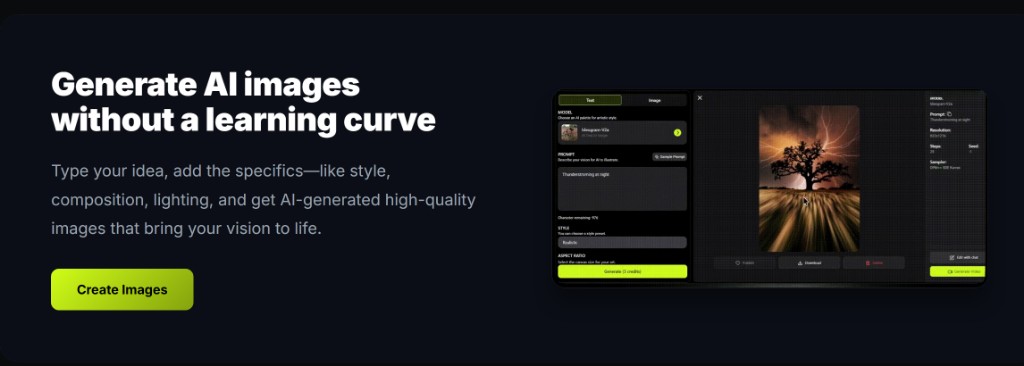
The workspace Generate button still shows the cost for the selected model. A video run usually costs more than a still — check before you click.
When is Basic ($1 / 10 credits) enough?
When you need a light monthly top-up after the 5 free signup credits — about ten 1-credit stills, or a mix of stills and a few short video attempts as the pricing card lists.
Use Basic for occasional text to image drafts and one or two image to image fixes. Keep quantity at 1. Daily check-in (2 same-day credits) can stretch a slow week.
If you empty Basic mid-month on style A/B tests, you outgrew the trial tier — not the product.

- Prove the workflow on free credits first.
- Buy Basic when one session a week is enough.
- Do not raise batch count to “use up” the pack.
When should you move to Advanced or Professional?
Choose Advanced ($9.99 / 120 credits) for regular listing or social batches; choose Professional ($19.99 / 300 credits) for heavier production and when you want priority support.
Advanced fits creators who run stills most days and occasional Sora 2 or Veo 3 clips. Professional fits teams that burn through 120 mid-month or need the support line listed on the plan card.
Remix with image to image instead of restarting text to image when composition is close — that stretch matters more at every tier. See how credits work for live per-model rates.

How do you decide without overbuying?
Count last month’s generates × the button cost you actually used; pick the smallest pack that covers that with a small buffer.
New accounts start with 5 free credits (30 days). Failed runs that the product marks failed return the credit. Typical still time is 30 seconds–2 minutes.
Open pricing from $1/month only when the next session needs more than your remaining balance — not because a checklist said to upgrade.
| Plan | USD / month | Credits | Best for |
|---|---|---|---|
| Basic | $1.00 | 10 | Light stills after trial |
| Advanced | $9.99 | 120 | Regular social / listing work |
| Professional | $19.99 | 300 | Heavier batches + priority support |
Start in text to image or image to image, pick a model such as GPT-4o image, then check pricing from $1/month and how credits work before a long run.