Switching language on deep-imager changes the interface copy — not your credits, models, or the AI image generator itself.
Globe icon. Same account. Same Generate button.
Where do you change the language?
Open the globe control in the top nav and pick a language — the button does not show a flag or the current language name.
English stays on the root site. Localized hubs use /zh, /ja, /ko, /de, /ru, and /fr — for example the Chinese home.
Blog posts stay in English at /blog. The list still loads in those locales; the article body is the English AI image generator write-up.
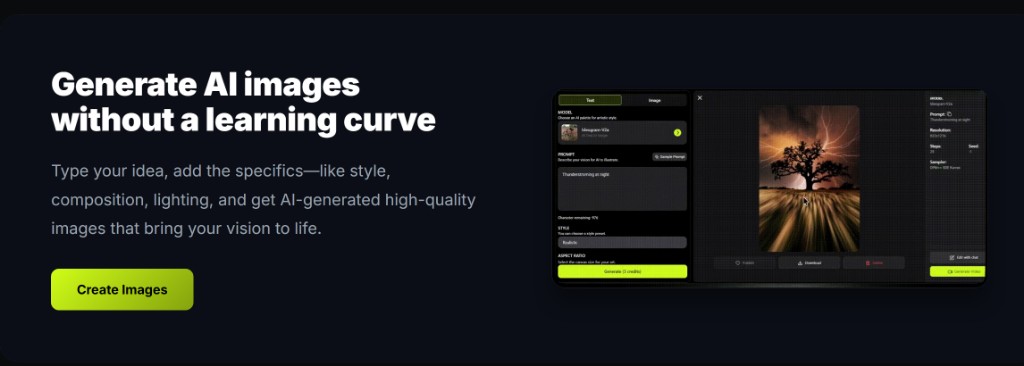
Does a language change reset text to image settings?
No — mode, model, and the prompt you already typed stay until you edit them.
You can write a text to image brief in any language the model accepts. The UI language is only the chrome around that box.
Labels such as Style and Aspect Ratio translate; the credit number on Generate does not. Check GPT-4o image when the still needs readable type.
Is image to image different on a locale URL?
No — /ja or /de still uses the same upload rules and the same wallet as the English workspace.
Image to image still wants one source file. Watermark Remove still locks to Nano Banana. Public vs private is the same toggle.
Footer links on locale pages keep the language prefix so you do not drop back to English by accident. The user guide is available in those locales too.
Do plans or credits depend on language?
No — 5 signup credits, daily check-in, and paid packs are account-level, not locale-level.
Pricing from $1/month lists Basic at 10 credits, Advanced at $9.99 for 120, and Professional at $19.99 for 300 in the page HTML.
Failed jobs that the product marks failed return the credit. Typical still time is 30 seconds–2 minutes. Read how credits work in the language you prefer.
| Control | Changes | Stays |
|---|---|---|
| Globe / locale path | UI copy | Account and credits |
| Text to image prompt | Your words | Model cost on the button |
| Image to image upload | Nothing by locale | One file, same modes |