deep-imager AI Image Generator: Multi-Model Architecture

|

From a technical standpoint, the current AI landscape is defined by specialization. Some models excel at photorealism, while others are better suited for stylized art or video generation.

Deep-Imager takes an aggregation-first architecture: one unified AI image generator interface that orchestrates multiple underlying model stacks.

Why Aggregation Matters

By functioning as a unified interface for multiple providers, Deep-Imager addresses the interoperability friction that many AI users face. Instead of leaving the workflow every time one model underperforms for a specific task, users can keep prompt context and switch engines in the same environment.
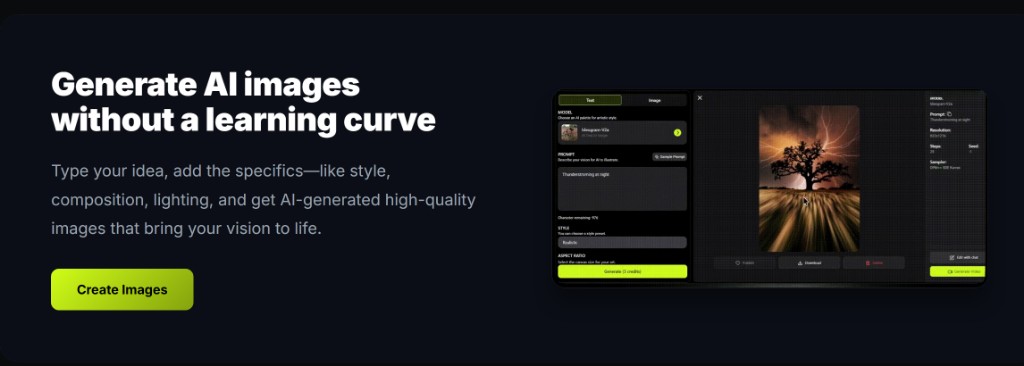
deep-imager AI image generator workspace: mode tabs, model selector, style controls, and credit display
The deep-imager workspace — switch between text to image and image to image modes, pick a model, and generate in one place.

The integration of model families like Sora 2, Veo 3, and GPT-4o implies a backend designed to route workloads with different runtime characteristics. For users, this means practical versatility: they are not locked into one model's visual bias or failure modes.

If one model fails to render a detail correctly, such as a precise hand gesture or scene composition, the user can immediately try another model while preserving momentum in the same pipeline.

Image-to-Image Control Layer

Deep-Imager's Image-to-Image flow also reflects a strong technical design mindset. Users can upload a base image and tune prompt influence, enabling either gentle style transfer or full structural reinterpretation.

That kind of control depends on practical handling of noise and denoising schedules behind the scenes. The result is a workflow that supports deliberate iteration, which is crucial for technical and production users who need predictable outcomes instead of random variance.
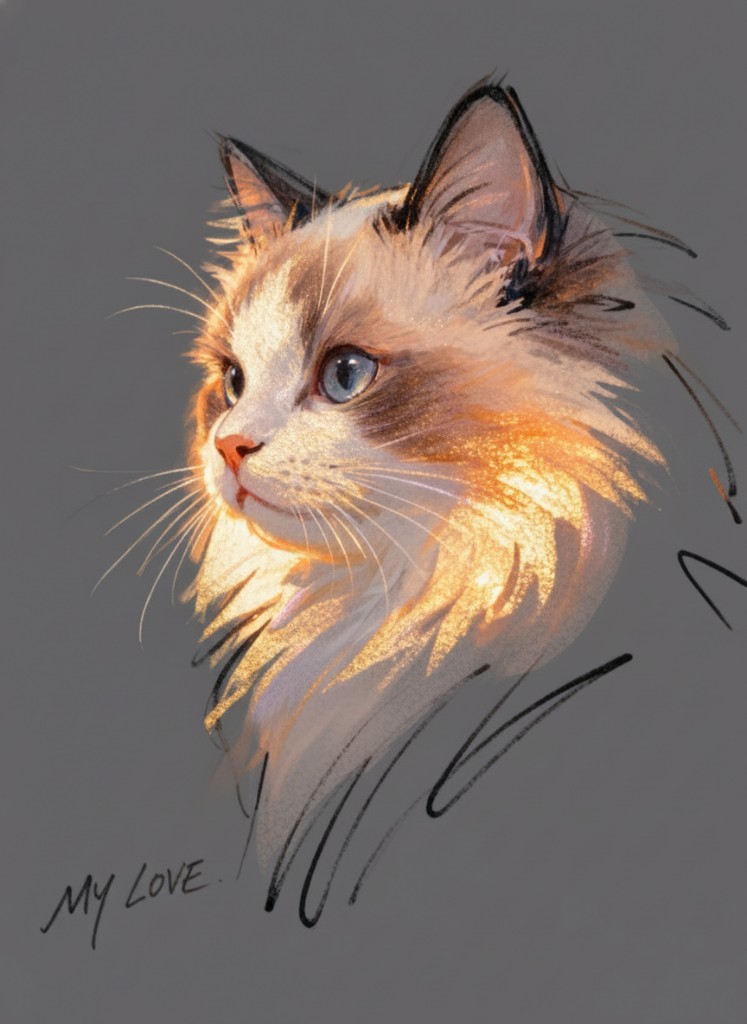
Image to image example: reference upload and refined AI output in deep-imager
Image to image in action — upload a reference and steer edits with natural language.

Transparency in a Complex Stack

Modern AI systems often feel opaque, but Deep-Imager reduces the black-box effect with clear generation status and credit feedback. Even though low-level model parameters are abstracted for simplicity, the platform still gives users meaningful control over aspect ratio, style selection, and output quantity — whether running text to image or image to image workflows.

In other words, the system simplifies model complexity without removing creative agency. The user stays in command of the process, while the platform handles cross-model coordination in the background. Check pricing from $1/month if you switch models often.

How do text to image and image to image fit the same brief?

Use text to image when you need a new composition. Use image to image when the framing is already right and you only need lighting, background, or style changes. On deep-imager both modes share the same credit balance and aspect-ratio controls, so you can finish a campaign without leaving the AI image generator.

For public examples, follow gallery moderation rules and keep trademarked brand marks out of prompts unless you have rights. Contact support to report issues. See how credits work.

Operational note: on deep-imager, finish stills with text to image and image to image before spending video credits. Keep Publicly visible off for client drafts, and use Contact to report gallery policy issues. This keeps the AI image generator workflow credit-aware and policy-safe.

How does this workflow save credits on deep-imager?

Lock the aspect ratio before text to image so the AI image generator composes for the crop you will publish. Read the credit cost on Generate, run one strong pass, then refine with image to image instead of opening five vague retries.

Keep client drafts Private. Enable Publicly visible only when the still is ready for moderated gallery listing. Report abusive gallery posts from the detail page or via the Contact page.

What should you check before you download?

Open the preview in the message center, confirm edges and typography, and match the ratio to the channel. If the still is close, steer lighting or background with image to image rather than rewriting the entire brief.

deep-imager is an independent AI image generator. Third-party model names describe access, style compatibility, or comparisons only — not affiliation. See also how credits work and the user guide.

Additional practice: keep a short prompt log (model, ratio, credits spent) so the next deep-imager session reuses winning text to image lines and image to image edits instead of re-exploring from zero. That habit is the fastest path to 800+ words of operational value across your own campaign notes and public guides.