deep-imager AI Image Generator: A Content Creator Workflow

|

For digital marketers, social media managers, and content creators, the demand for fresh, high-quality visual content is insatiable. The pressure to constantly feed the algorithm with engaging imagery can lead to burnout. Deep-Imager emerges as a potent solution to this modern dilemma, offering a workflow that is both rapid and reliable for any AI image generator workflow.

The primary value proposition for professionals lies in Deep-Imager's versatility. A marketer might need a photorealistic image for a blog post, a stylized graphic for an Instagram story, and a wide-format background for a YouTube video—all before lunch. Deep-Imager’s support for various aspect ratios (from 9:16 to 16:9) and its ability to toggle between different AI models allows for this kind of rapid pivoting. Teams can start with text to image drafts, then refine approved visuals before publishing. See the social media workflow and all tools.
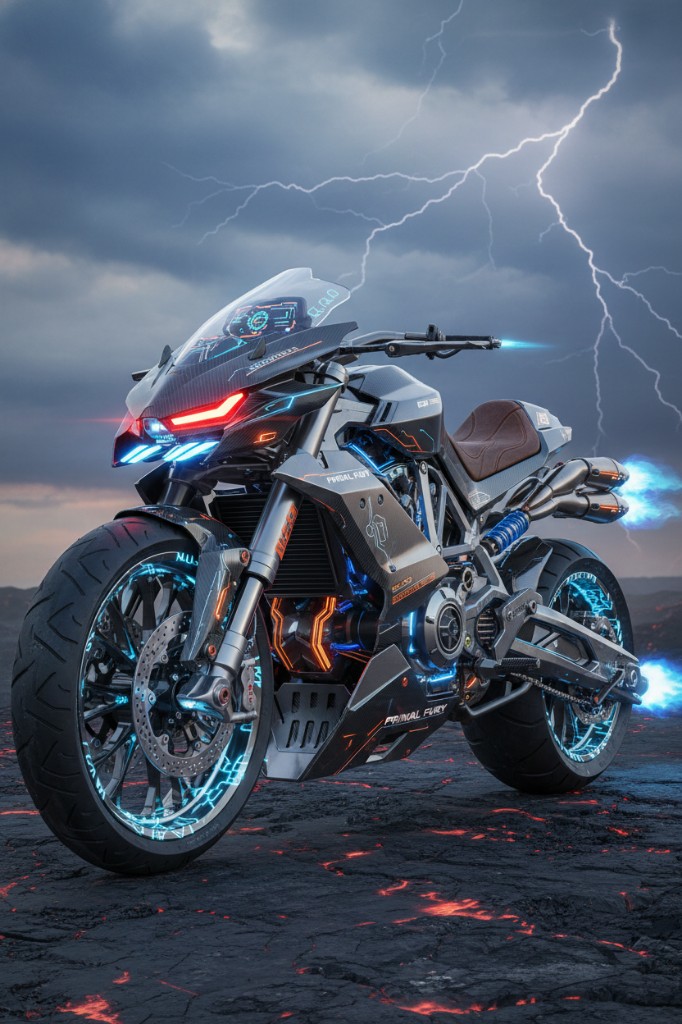
Text to image example in deep-imager for fast social content production
Text to image mode helps content teams turn campaign ideas into publishable drafts in minutes.

Moreover, the Image-to-Image functionality is a game-changer for branding. A company can upload a rough sketch of a product concept or a low-quality photo of a physical item and use Deep-Imager to upscale and stylize it into professional marketing material using the image to image pipeline. This feature alone saves hours of manual editing time.
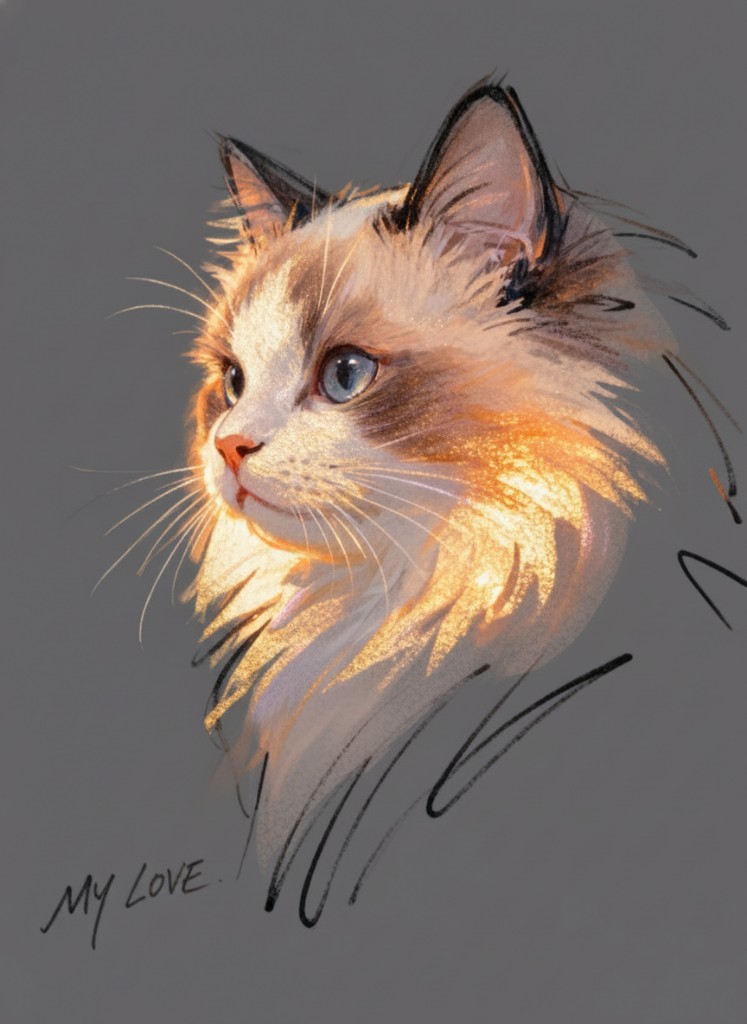
Image to image example: reference upload and refined AI output in deep-imager
Image to image in action — upload a reference and steer edits with natural language.

The platform's "Prompt Templates" are another underrated feature for business users. They serve as a knowledge base, helping users understand how to structure prompts to achieve professional results consistently. When combined with the commercial rights included in paid plans, Deep-Imager becomes a cost-effective AI image generator alternative to hiring external agencies for asset creation. It is a tool that respects the user's time and commercial intent. Compare vs Midjourney if social stills currently live in a separate app.

How do text to image and image to image fit the same brief?

Use text to image when you need a new composition. Use image to image when the framing is already right and you only need lighting, background, or style changes. On deep-imager both modes share the same credit balance and aspect-ratio controls, so you can finish a campaign without leaving the AI image generator.

For public examples, follow gallery moderation rules and keep trademarked brand marks out of prompts unless you have rights. Contact support to report issues. See how credits work.

Operational note: on deep-imager, finish stills with text to image and image to image before spending video credits. Keep Publicly visible off for client drafts, and use Contact to report gallery policy issues. This keeps the AI image generator workflow credit-aware and policy-safe.

How does this workflow save credits on deep-imager?

Lock the aspect ratio before text to image so the AI image generator composes for the crop you will publish. Read the credit cost on Generate, run one strong pass, then refine with image to image instead of opening five vague retries.

Keep client drafts Private. Enable Publicly visible only when the still is ready for moderated gallery listing. Report abusive gallery posts from the detail page or via the Contact page.

What should you check before you download?

Open the preview in the message center, confirm edges and typography, and match the ratio to the channel. If the still is close, steer lighting or background with image to image rather than rewriting the entire brief.

deep-imager is an independent AI image generator. Third-party model names describe access, style compatibility, or comparisons only — not affiliation. See also how credits work and the user guide.

Additional practice: keep a short prompt log (model, ratio, credits spent) so the next deep-imager session reuses winning text to image lines and image to image edits instead of re-exploring from zero. That habit is the fastest path to 800+ words of operational value across your own campaign notes and public guides.