In the rapidly expanding universe of generative AI, "model fatigue" is becoming a real issue. Creators are often forced to juggle subscriptions across Midjourney for images, Runway for video, and various chatbots for ideation. Deep-Imager enters this chaotic market with a compelling value proposition: instead of forcing you to choose a side, it aggregates the industry's most powerful engines into a single, streamlined interface.
The Power of Aggregation
The standout feature of Deep-Imager is its refusal to be a "one-trick pony." By integrating top-tier models like Sora 2, Veo 3, and Midjourney, the platform acts as a universal remote for AI generation. This is not just a convenience; it is a workflow revolution for any AI image generator user. You can generate a character concept using one model, refine it with another, and animate it with a third, all without managing multiple logins or credit balances. This flexibility allows users to play to the strengths of each underlying AI, ensuring the highest quality output for every specific task.
Accessibility Without Compromise
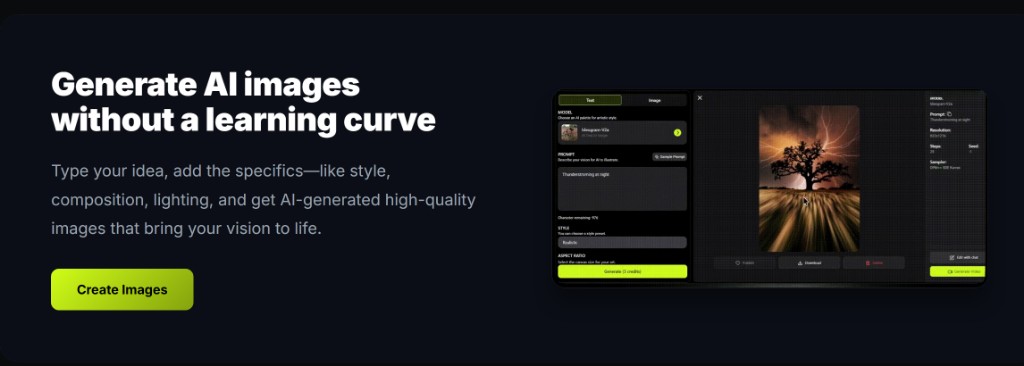
Deep-Imager strikes a rare balance between power and usability. The interface is designed to be "user-friendly" for beginners yet robust enough for pros.
- Template System: For those struggling with prompt engineering, the built-in templates provide a structural foundation, turning vague ideas into coherent visual instructions.
- Versatile Ratios: Whether you need a vertical 9:16 image for an Instagram Story or a wide 16:9 shot for a YouTube thumbnail, the platform handles aspect ratios natively.
Ownership and Commercial Viability
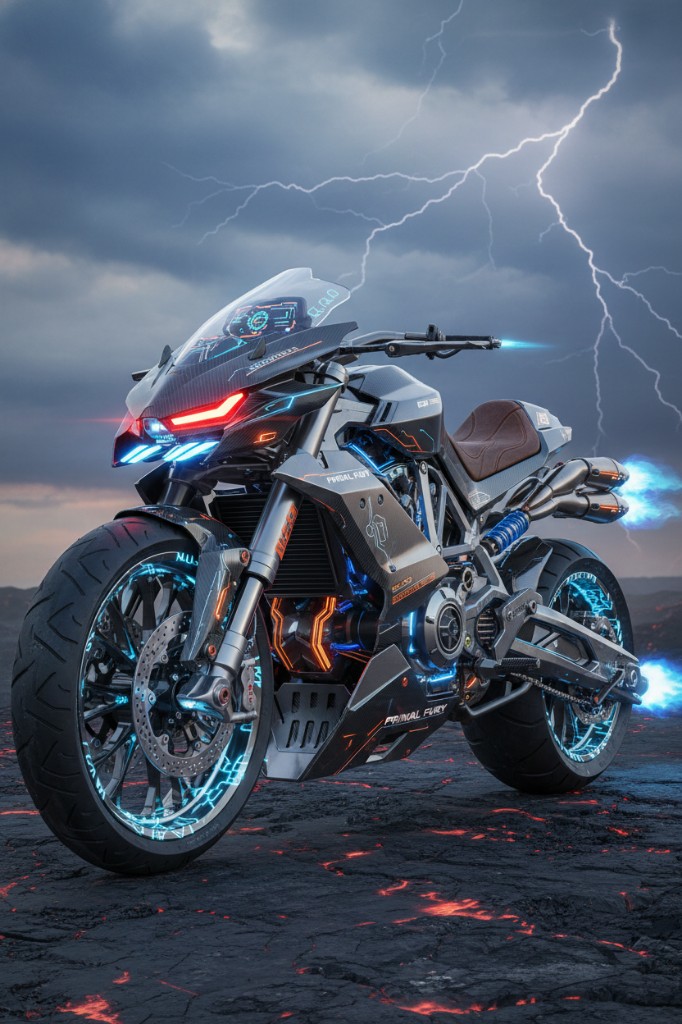
Perhaps the most critical aspect for professional users is the licensing model. Deep-Imager explicitly grants commercial rights to paid users. In a legal landscape where AI copyright is often murky, this clarity is refreshing. Combined with the fact that generated images are watermark-free, the platform positions itself as a legitimate tool for business assets, marketing materials, and merchandise design.
The Verdict
Deep-Imager is more than just a generator; it is a creative command center. While the credit system requires management, the ability to access the world's best AI models from a single AI image generator dashboard makes it an indispensable tool for the modern digital creator. See pricing from $1/month before you stack several models.
How do text to image and image to image fit the same brief?
Use text to image when you need a new composition. Use image to image when the framing is already right and you only need lighting, background, or style changes. On deep-imager both modes share the same credit balance and aspect-ratio controls, so you can finish a campaign without leaving the AI image generator.
For public examples, follow gallery moderation rules and keep trademarked brand marks out of prompts unless you have rights. Contact support to report issues. See how credits work.
Operational note: on deep-imager, finish stills with text to image and image to image before spending video credits. Keep Publicly visible off for client drafts, and use Contact to report gallery policy issues. This keeps the AI image generator workflow credit-aware and policy-safe.
How does this workflow save credits on deep-imager?
Lock the aspect ratio before text to image so the AI image generator composes for the crop you will publish. Read the credit cost on Generate, run one strong pass, then refine with image to image instead of opening five vague retries.
Keep client drafts Private. Enable Publicly visible only when the still is ready for moderated gallery listing. Report abusive gallery posts from the detail page or via the Contact page.
What should you check before you download?
Open the preview in the message center, confirm edges and typography, and match the ratio to the channel. If the still is close, steer lighting or background with image to image rather than rewriting the entire brief.
deep-imager is an independent AI image generator. Third-party model names describe access, style compatibility, or comparisons only — not affiliation. See also how credits work and the user guide.
Additional practice: keep a short prompt log (model, ratio, credits spent) so the next deep-imager session reuses winning text to image lines and image to image edits instead of re-exploring from zero. That habit is the fastest path to 800+ words of operational value across your own campaign notes and public guides.